
On this page
What are CRON jobs?
CRON or crontab is a command-line utility to run certain tasks periodically at fixed times, dates, or intervals. CRON or crontab was originally created by AT&T Bell Laboratories in May 1975 and is by default now available on every OS. Most developers will know the Linux Crontab or the Windows Task Scheduler.
How are CRON jobs useful?
As a developer, you already might have encountered a business requirement where each morning at 10 o’clock a report needs to be sent via email. This is a typical example where a CRON job comes in handy: using a simple CRON expression (in this case 0 10 * * *), you can make sure the method is executed each morning at 10 o’clock.
How is a CRON expression created?
The CRON time string format exists of five fields that the CRON scheduler converts into a time interval. CRON then uses this interval to determine how often to run the associated task or method.
┌───────────── minute (0 - 59)
│ ┌───────────── hour (0 - 23)
│ │ ┌───────────── day of the month (1 - 31) or L for last day of the month
│ │ │ ┌───────────── month (1 - 12 or Jan/January - Dec/December)
│ │ │ │ ┌───────────── day of the week (0 - 6 or Sun/Sunday - Sat/Saturday)
│ │ │ │ │
│ │ │ │ │
│ │ │ │ │
“* * * * *"
How to run a CRON job in Java?
Today, you have several possibilities to run CRON jobs in Java:
- there is of course Quartz Scheduler
- Spring framework has support for scheduled jobs using the
@Scheduledannotation - and since JobRunr is now also in the picture, you can use JobRunr to run CRON jobs in Java.
What is the benefit of using JobRunr for Java CRON Jobs?
Using JobRunr for your CRON jobs brings some advantages:
- you can easily create a CRON job in a 1-liner using JobRunr:
BackgroundJob.scheduleRecurrently(Cron.daily(), () -> System.out.println("Easy!")); - if you are using Spring Framework, Micronaut or Quarkus: this is even easier. You can just add the JobRunr integration of your choice (
jobrunr-spring-boot-starter,jobrunr-micronaut-featureor thejobrunr-quarkus-extension) and annotate the method that you want to schedule with the@Recurringannotation:
@Service
public class SampleService {

    @Recurring(id = "my-recurring-job", cron = "*/5 * * * *")
    @Job(name = "My recurring job")
    public void executeSampleJob() {
        // your business logic here
        // you can also conditionally enqueue a new job - better visibility in the dashboard
    }
}
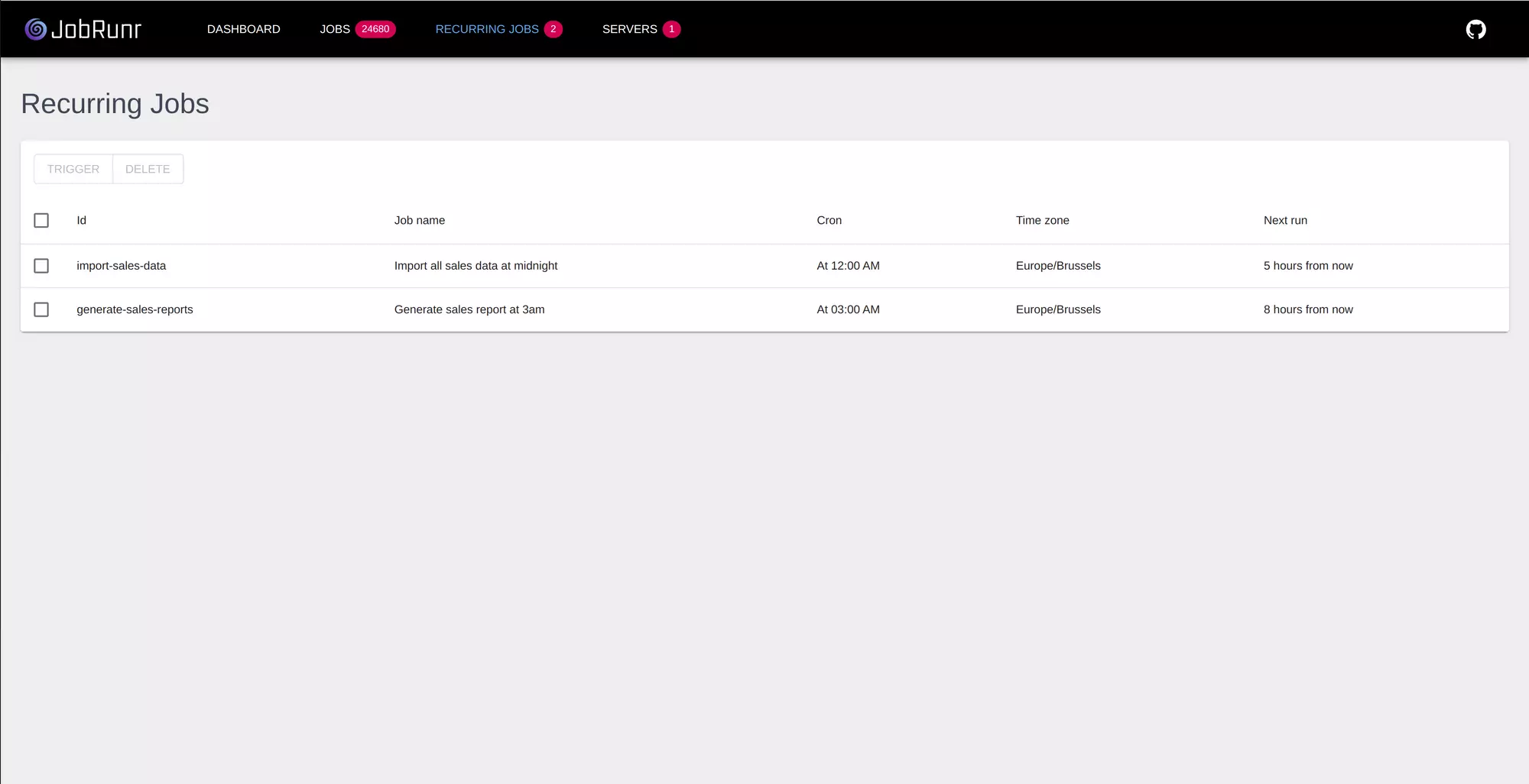
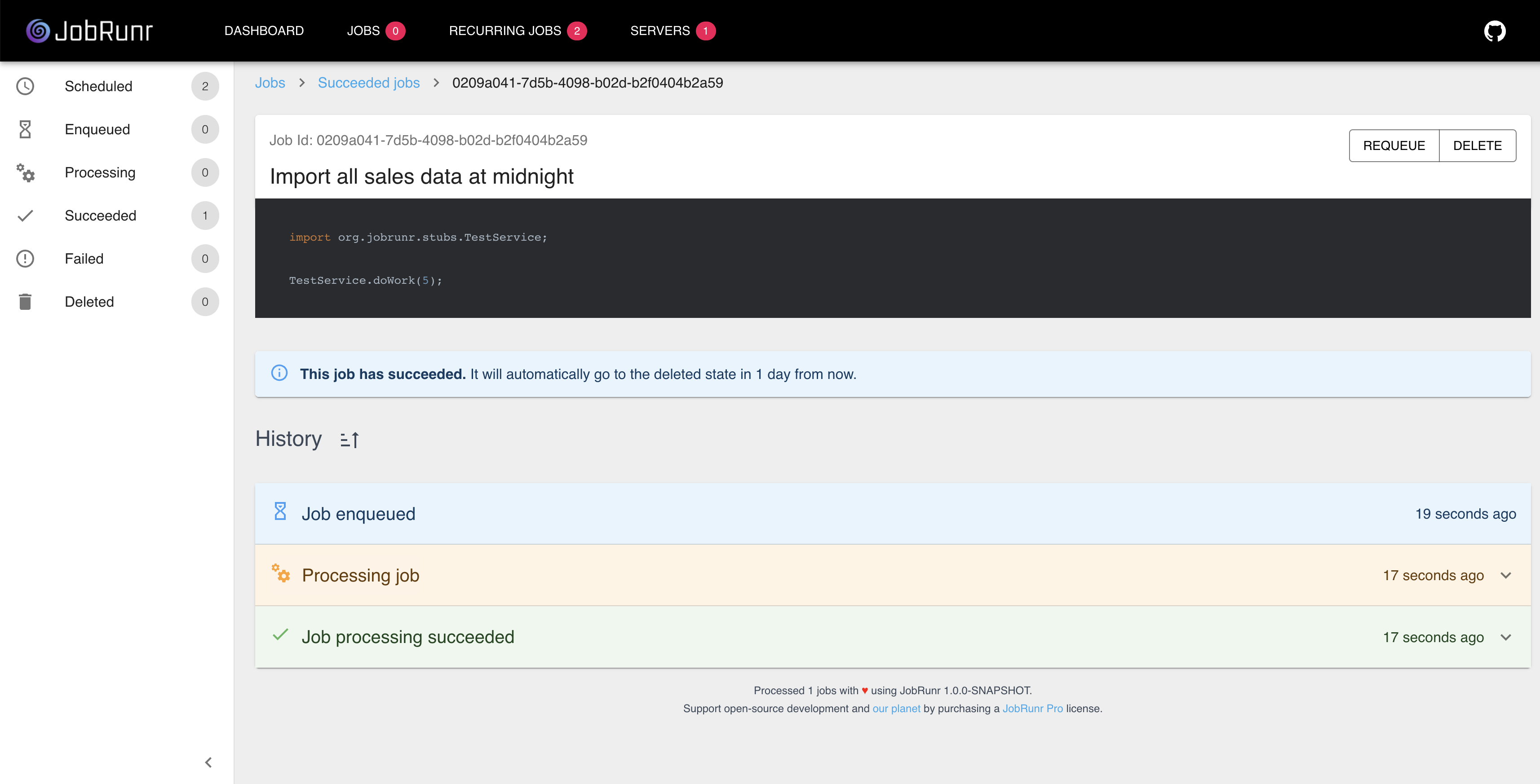
- it comes with a great UI where you have an overview of all your CRON jobs and where you check whether your CRON task / method finished successfully.